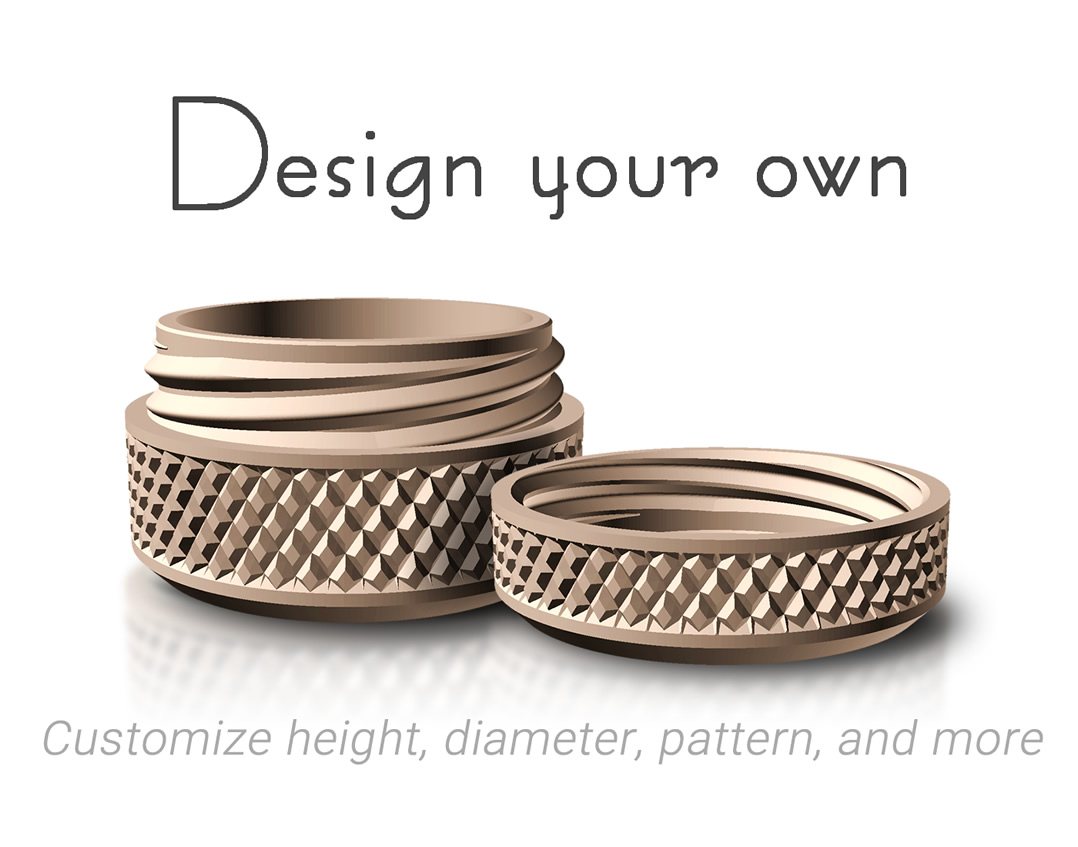
Use OpenSCAD 2026 or newer to customize the design to your needs: https://openscad.org/downloads.html#snapshots
Instructions
Open the file "design your own container.scad" in OpenSCAD
The panel on the right contains numerous parameters which you can modify to change the container size and design
Once you are satisfied with your design, check the box “for printing”
Press F6 or go to the menu "Design" -> "Render"
Go to the menu "File" -> "Export" and export the STL or 3MF model to open in your slicer of choice.
Design your own container
by s0ren · original on Printables ↗
Household / Other House Equipment
♥ 998⬇ 3.9k🖨 20 prints
Print profiles
Example 2 - D50mm H25mm SD card storage.3mf
⏱ time and weight estimated after preparation · 1 material(s)
Made to order: we prepare this file when you order, which adds a few minutes before printing starts.
Prints on: A1 mini 0.4PLA
Order this print
Example 1 - D30mm H20mm pill glass.3mfDEFAULT
⏱ time and weight estimated after preparation · 1 material(s)
Made to order: we prepare this file when you order, which adds a few minutes before printing starts.
Prints on: A1 mini 0.4PLA
Order this print
Example 3 - D50mm H70mm medium container.3mf
⏱ time and weight estimated after preparation · 1 material(s)
Made to order: we prepare this file when you order, which adds a few minutes before printing starts.
Prints on: A1 mini 0.4PLA
Order this print