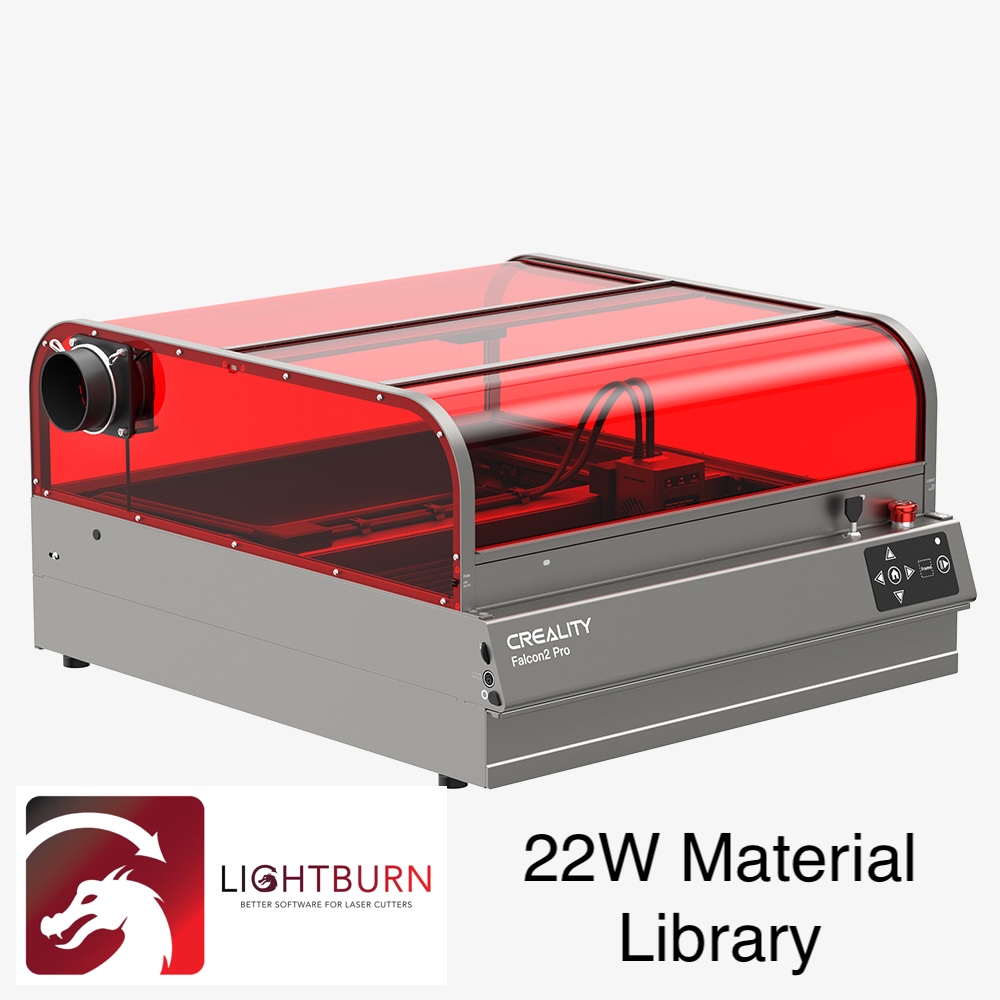
I created a material library file from Creality's suggested settings for the 22W Falcon2/ Falcon2 Pro. I have the Pro model but I am guessing the settings are the same among both machines. You can open this file directly in Lightburn. With Lightburn opened, on the bottom right you have a tab that says “Material Library” then select “Load” and select the file. You will have to unzip the file, there is only one .clb file to use.
Falcon2 Pro 22W Lightburn Material Library
by Camaro45th · original on Printables ↗
Gadgets / Other Gadgets
♥ 17⬇ 659🖨 0 prints
License: Creative Commons — Attribution — Noncommercial — Share Alike ↗materiallaserlasercutterlibrarylaserengraverlightburn22wfalcon2crealityfalcon2falcon2profalcon2pro22wfalcon22w
Print profiles
Nothing2seehere.stlDEFAULT
⏱ time and weight estimated after preparation · 1 material(s)
Made to order: we prepare this file when you order, which adds a few minutes before printing starts.
Prints on: A1 mini 0.4PLA
Order this print