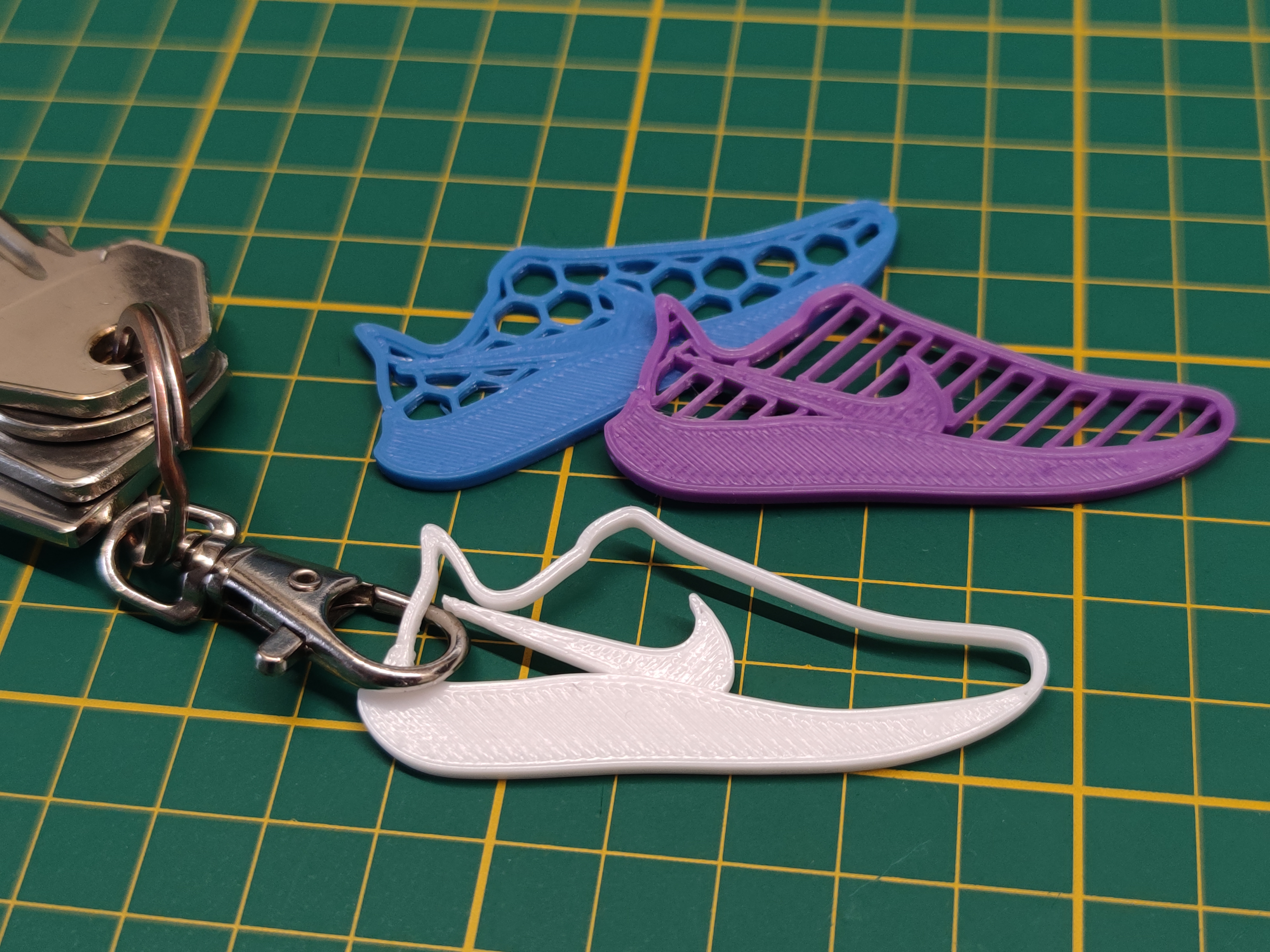
A simple keychain of a running shoe. Modeled using a picture of the Nike Air Zoom Pegasus
Here is a similar model of a Saucony and Adidas running shoe that I made.
Slicer instructions:
The STL has 5 different parts (bodies). You can customize the slicing of each part, but I would recommend changing the one I used like this:
PrusaSlicer:
-Open the .3MF as a model.
-Now right click the correct part and click ‘Infill’ and ‘Layers and Perimeters’ at the bottom of the menu.
-You can now edit the object settings as seen in the bottom right of the picture below. Change the fill pattern and density to your own liking.
Cura:
-Open the .3MF as a model.
-Click the area of the shoe that needs to be changed and select ‘Per Model Settings’ in the menu on the left.
-Click ‘Select settings’ and in the new window, select (at least) the four settings you see in the picture below. Change them all to 0 and select your favorite infill pattern.
Enjoy!
Running shoe keychain (Nike)
by Andor @fullydefined · original on Printables ↗
Sports & Outdoor / Outdoor Sports
♥ 84⬇ 795🖨 5 prints
Print profiles
Nike Keychain.3mfDEFAULT
⏱ time and weight estimated after preparation · 1 material(s)
Made to order: we prepare this file when you order, which adds a few minutes before printing starts.
Prints on: A1 mini 0.4PLA
Order this print