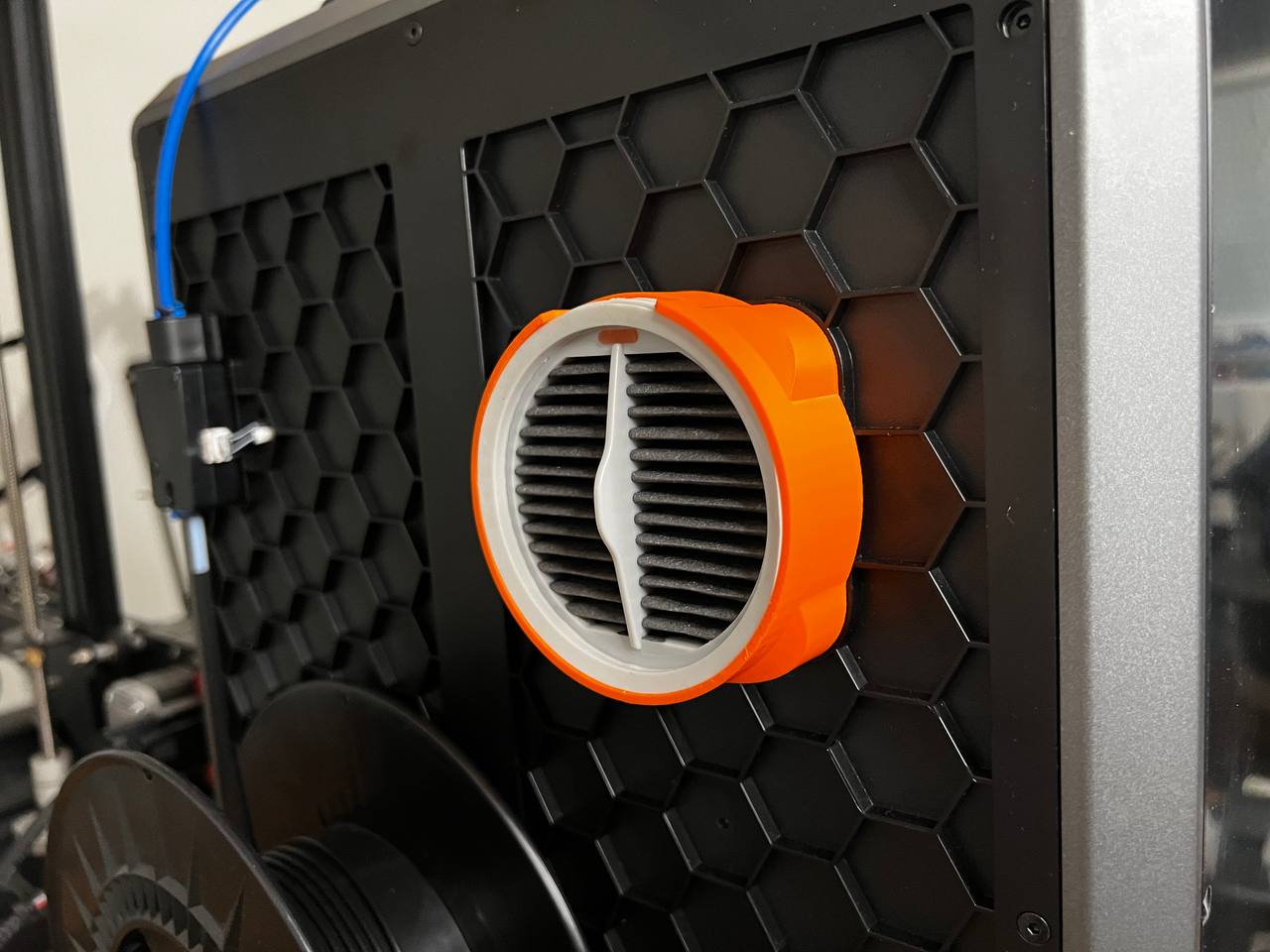
Creality K1 - Hepa filter housing
This design has been created to place a hepa filter on our Creality K1 printer using Xiaomi washable hepa filters
You can buy me a coffee with a donation. Me puedes invitar a un café haciendo una donación Click to donate
Update 17/12/2023
High housing to activated carbon filter (Hepa+AC filter housing.STL)
Commercial components
- 1 unit - Hepa filter Roidmi Xiaomi – Amazon link - Aliexpress
Optional for Active carbon filter version
- 1 unit – Active Carbon filter
Assembly instructions
1. Remove the 2 screws of fan, they will be use it to fix the hepa housing
2. Mount the hepa housing with the two screws from the previous step
3. Place the active carbon filter (only version with active carbon filter)
4. Place the hepa filter
The purchase links are affiliate links. If you buy through them you can help me continue creating designs. Thank you
Creality K1 - Hepa + Active Carbon filter housing
by LMaker · original on Printables ↗
3D Printers / Creality Parts & Upgrades
♥ 313⬇ 1.9k🖨 19 prints
Print profiles
Hepa_filter_housing.stlDEFAULT
⏱ time and weight estimated after preparation · 1 material(s)
Made to order: we prepare this file when you order, which adds a few minutes before printing starts.
Prints on: A1 mini 0.4PLA
Order this print
cutting_template_AC.STL
⏱ time and weight estimated after preparation · 1 material(s)
Made to order: we prepare this file when you order, which adds a few minutes before printing starts.
Prints on: A1 mini 0.4PLA
Order this print
Hepa+AC filter housing.STL
⏱ time and weight estimated after preparation · 1 material(s)
Made to order: we prepare this file when you order, which adds a few minutes before printing starts.
Prints on: A1 mini 0.4PLA
Order this print