Hi guys, My name is Lau, a content creator, design engineer, and passionate with 3d printing. Welcome to check out my youtube channel: I made 3d printer reviews videos, tutorial, mod, and more.
https://www.youtube.com/channel/UCBjyI1E1HROh1BAYgeRZy7g
Support my work: (click on image)
https://www.buymeacoffee.com/savagelau
You can get commercial license from here: (click on image)
https://www.patreon.com/SavageLau
______________________________________________________________________________________________________________
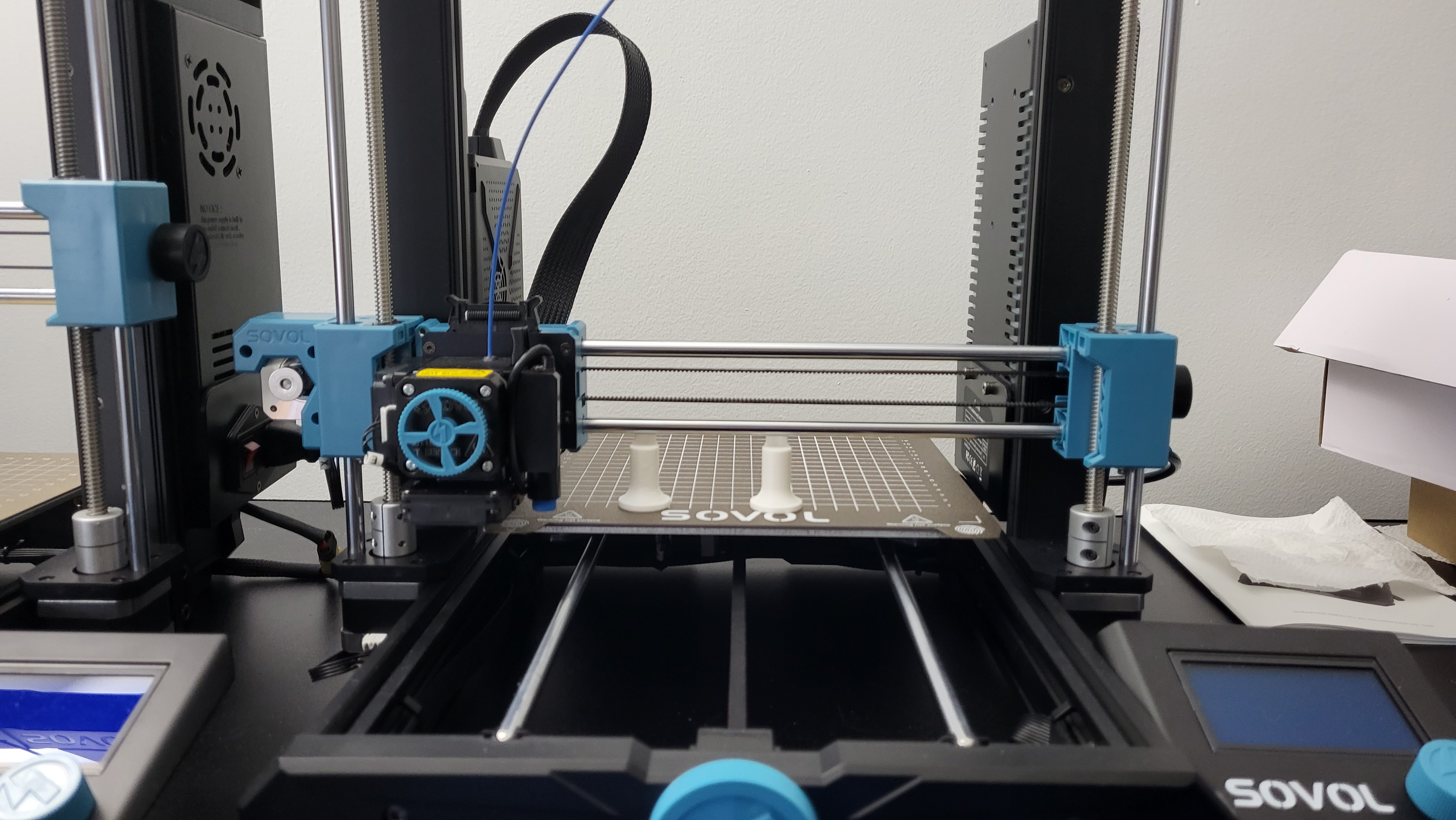
Checking z align after homing. Place between the bed and linear rod.
Instruction:
After "auto z-align" and homing your printer. Place align tool from behind and under the linear rod. Eye ball it, and double check with a A4 paper. The clearance should stop paper from sliding around. Let me know if it works for your printer. Since sv06 is fixed bed, I should expect the distance from bed to linear rod stay within the tolerance.
SV06 Z Axis leveling tool (Align)
by SavageLau · original on Printables ↗
3D Printers / Other Printer Parts & Upgrades
♥ 161⬇ 1.7k🖨 31 prints
Print profiles
SV06 Gantry leveling.stlDEFAULT
⏱ time and weight estimated after preparation · 1 material(s)
Made to order: we prepare this file when you order, which adds a few minutes before printing starts.
Prints on: A1 mini 0.4PLA
Order this print
SV06 Gantry leveling - no lip.stl
⏱ time and weight estimated after preparation · 1 material(s)
Made to order: we prepare this file when you order, which adds a few minutes before printing starts.
Prints on: A1 mini 0.4PLA
Order this print