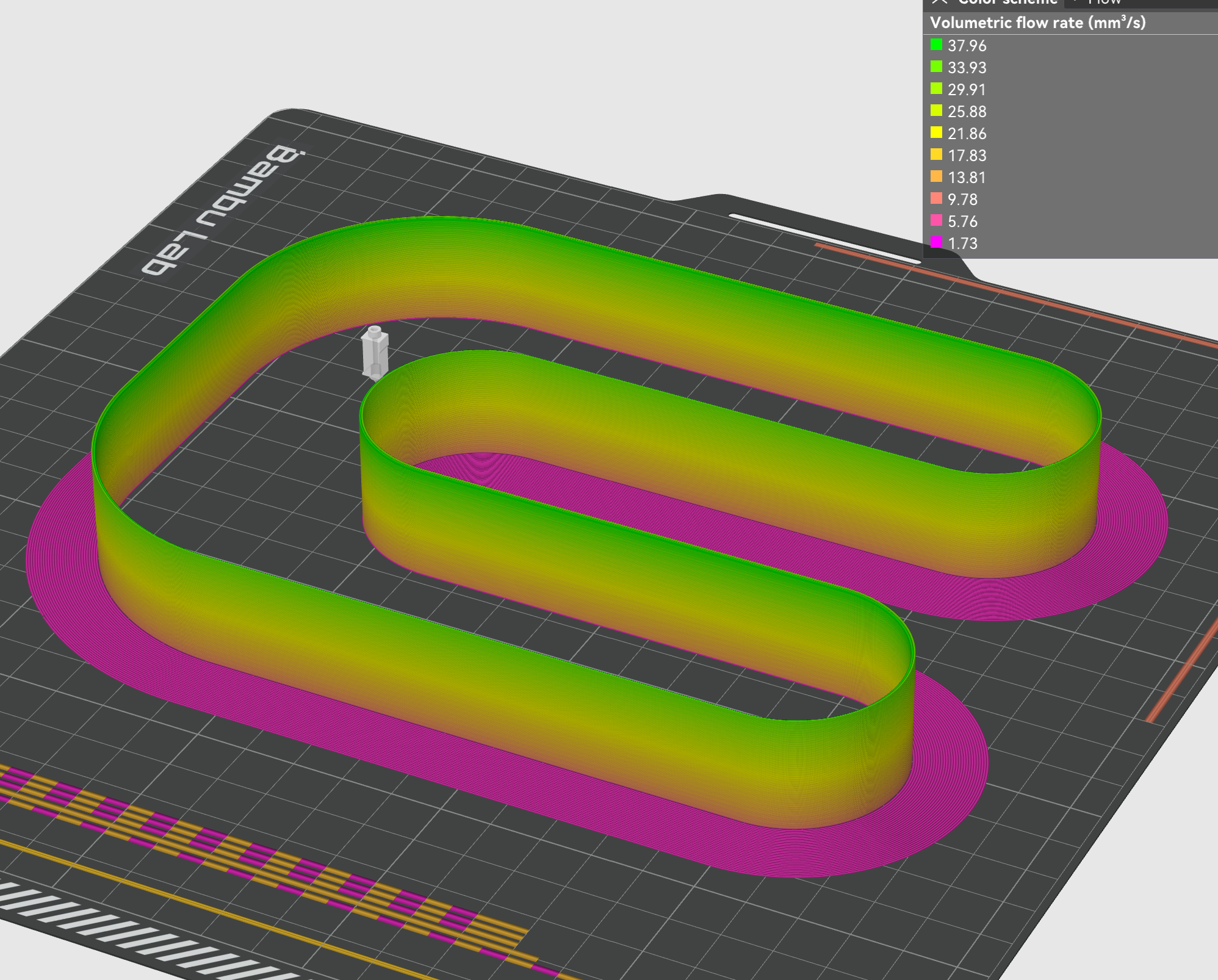
Max flow test for bambulab slicer
WARNING speeds at the top of the tower set up to 476mms (slower then bambu x1c normal travel speed) so use at your own risk but you have normally stopped the print well before this. if you change it to 0.3 layer height, it won't need to print as fast but calculations will require the slicer to check.
the tower increases perimeter print speed by 14mms every 1mm of z height causing an increase of 1mm3 of flow starting from 11mm3 for the first 1mm
How to set it up
setup for x1c generic abs 0.4mm nozzle
set what filament you would like to print in and adjust max volumetric to something high like 50mm3 and turn off slow printer down for better layer cooling in the cooling tab
slice and print to model and stop the print when you see it starting to undextrude or have inconsistencies in the layers.
mesure from the bottom to where the last layer that looks perfect.
the measurement in mm + 10 is what your max volumetric flow is
so for my test Esun ABS+ @270c is 19mm + 10 = 29mm3 max flow
set it slightly lower then this by about 10% in your filament settings for safety
you can also check this in the slicer by going to that layer in the preview tab and setting view to flow and will show you the value at the bottom.
you can also use the seam to check where flow and acceleration is becoming an issue
Bambu slicer max flow test tower for X1C
by keenzkustoms · original on Printables ↗
3D Printers / Test Models
♥ 717⬇ 9.7k🖨 37 prints
Print profiles
Volumetric Flow Test.3mfDEFAULT
⏱ time and weight estimated after preparation · 1 material(s)
Made to order: we prepare this file when you order, which adds a few minutes before printing starts.
Prints on: A1 mini 0.4PLA
Order this print