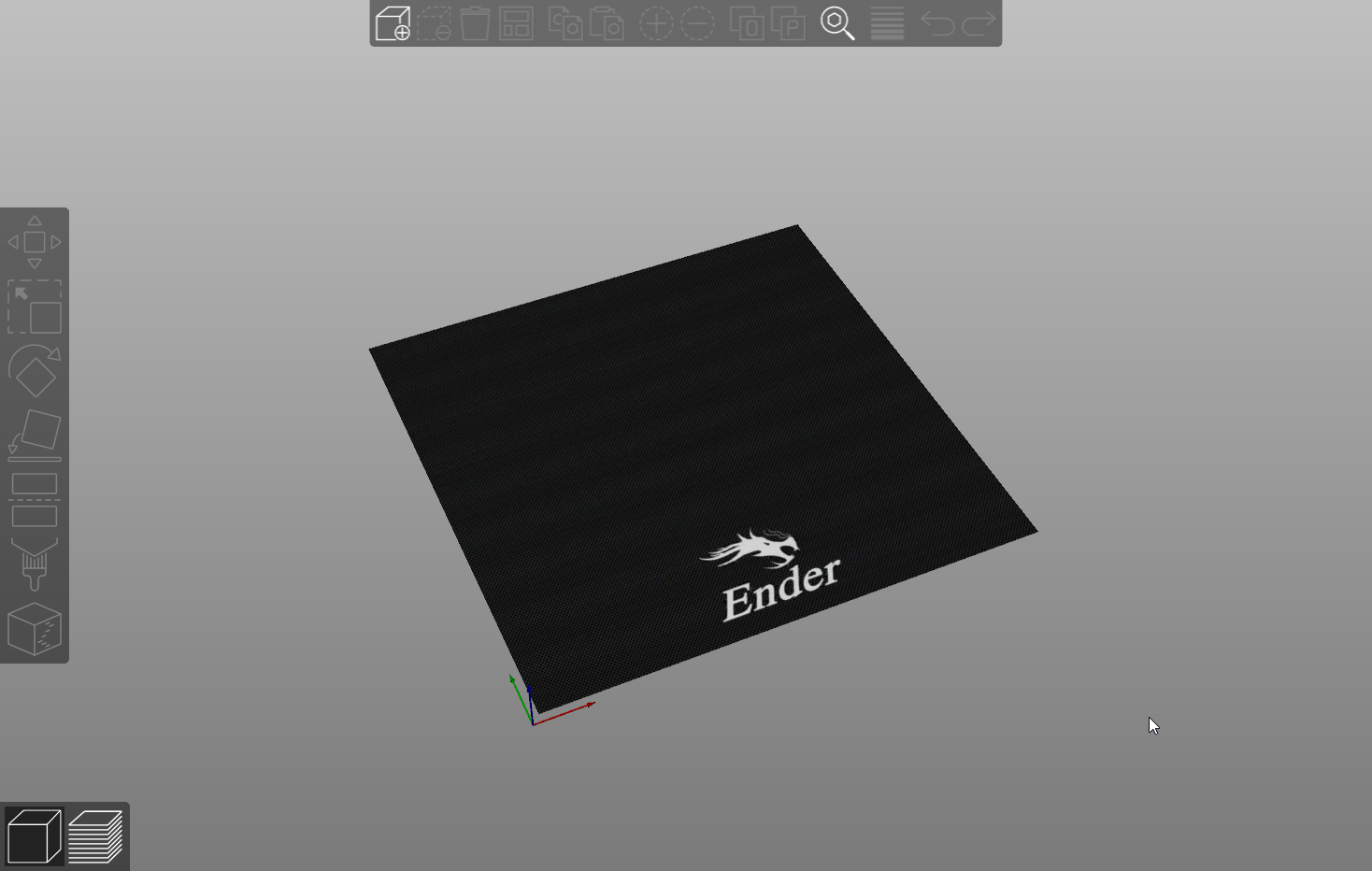
To Install:
Download Texture from : https://drive.google.com/file/d/10b57csAFIz1FoSvox-iZfo3S9uCKujZv/view?usp=sharing
Go to Printer settings → bed shape (click button) → Load texture and model file
Ender 3 Max Bed Texture and model
by GAFFER7773_ZA · original on Printables ↗
3D Printers / Accessories
♥ 37⬇ 1.9k🖨 4 prints
Print profiles
ender3max_bedshape.stlDEFAULT
⏱ time and weight estimated after preparation · 1 material(s)
Made to order: we prepare this file when you order, which adds a few minutes before printing starts.
Prints on: A1 mini 0.4PLA
Order this print