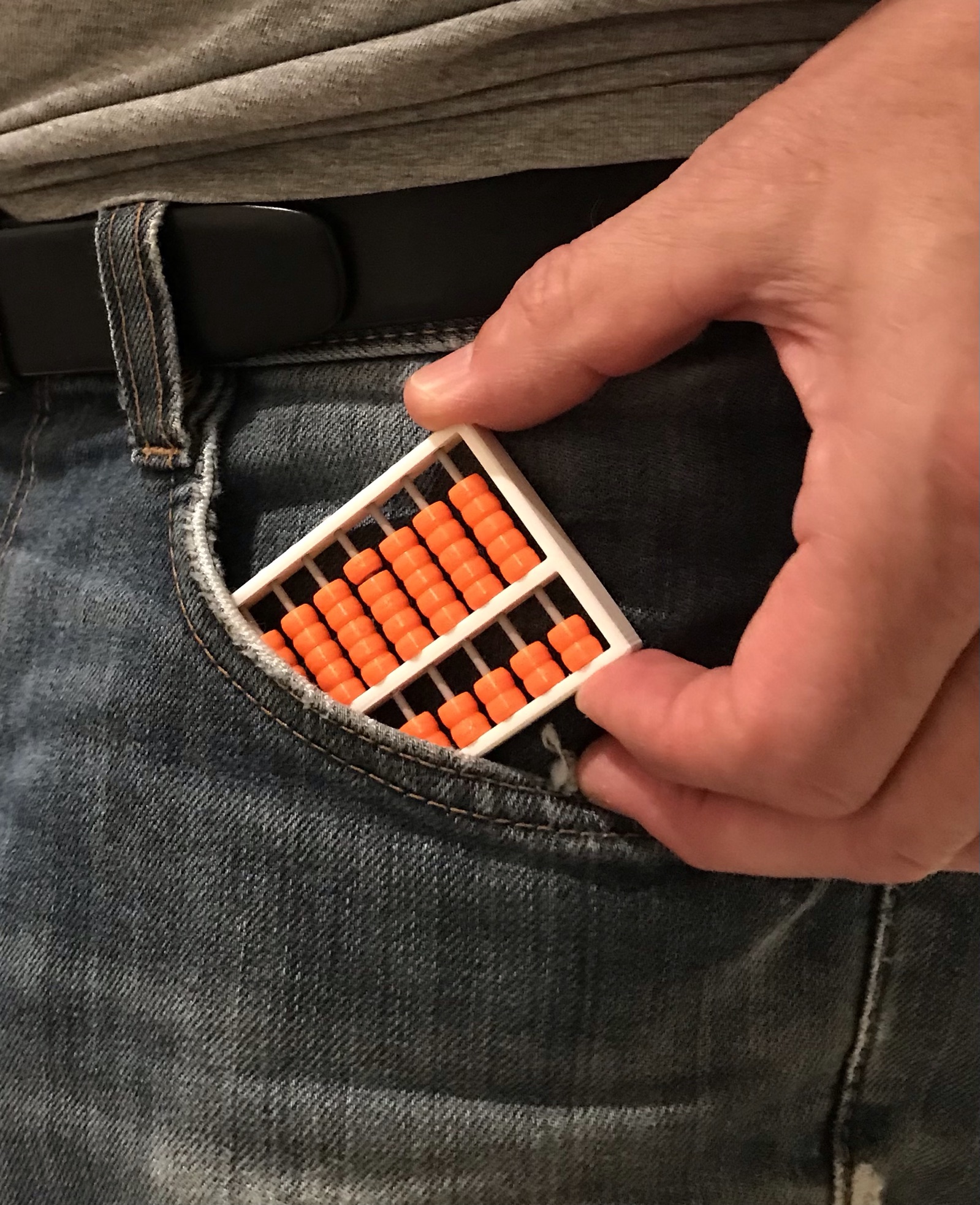
The best way to start learning how we can do mathematic calculations using an Abacus is to print one. Forget your smart phone calculator and enjoy this ancient calculating tool.
Again Fusion 360 has been very helpful for me to draw it. First lets built it!
Print one frame and 63 beads ( 9 rows of 2 and 9 rows of 5). I have used 3D printer filament as wires ( 1,75 mm). Drill 2 mm diameter thru the frame to enlarge all the side holes. Cut filament wires longer for easy assembling.
When assembly is completed, add a drop of super glue to the filament wires to both sides and shift the wires by 2 mm to have the glue between the frame and the wires. When dried, cut the excess of wire as shown on the picture below.
There are many tutorials how to use an Abacus on line.
Pocket Abacus
by Heber · original on Printables ↗
Learning / Math
♥ 192⬇ 601🖨 10 prints
Print profiles
Abacus frame v4.stlDEFAULT
⏱ time and weight estimated after preparation · 1 material(s)
Made to order: we prepare this file when you order, which adds a few minutes before printing starts.
Prints on: A1 mini 0.4PLA
Order this print
Abacus beads v4.stl
⏱ time and weight estimated after preparation · 1 material(s)
Made to order: we prepare this file when you order, which adds a few minutes before printing starts.
Prints on: A1 mini 0.4PLA
Order this print