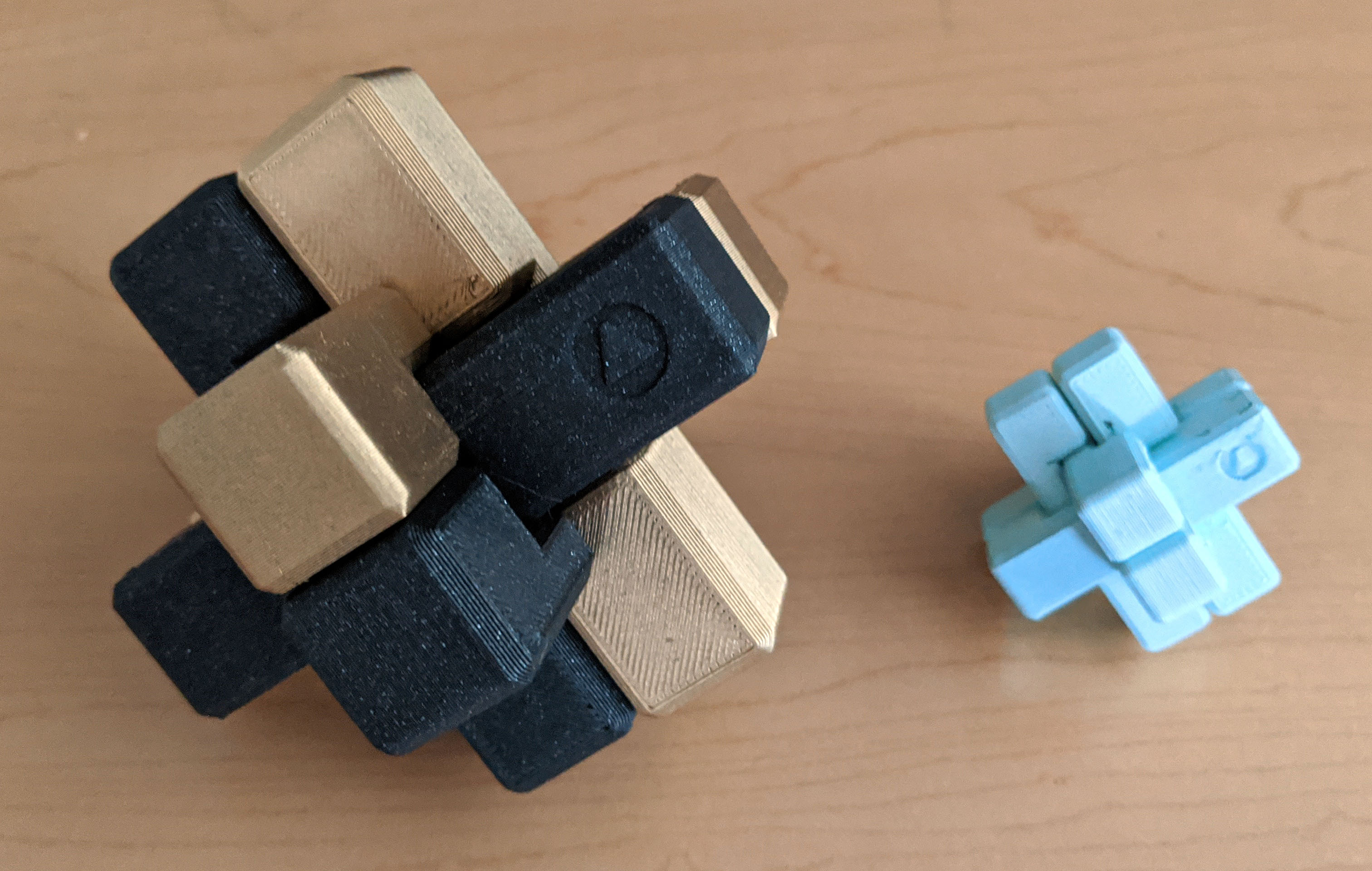
A challenge for your brain and your printer! As well as being a fun brain-teaser, you can use this file to benchmark tolerances on your printer. Included are two files with different tolerances. The original file is also included with parametric variables defining the entire model. Once opened in Fusion 360, go to Modify>Change parameters to alter the overall size and clearances for each piece. The lower you make the tolerance variable, the tighter the pieces will fit together. Generally, a tolerance of .25 is a loose fit, .1 gives you a good fit and .05 will be a very tight fit. The baseunit variable will change the size of the puzzle, with the overall volume of each piece being 2x2x8 x the baseunit value. There is also a chamfer variable to allow you to friendly up the edges as much or as little as you like (a value of 0 can be used for sharp corners).
Burr Puzzle (parametric)
by Daedelus · original on Printables ↗
Toys & Games / Puzzles & Brain-teasers
♥ 328⬇ 3.9k🖨 78 prints
Print profiles
burr-puzzle-mini-1mm-clearance.stlDEFAULT
⏱ time and weight estimated after preparation · 1 material(s)
Made to order: we prepare this file when you order, which adds a few minutes before printing starts.
Prints on: A1 mini 0.4PLA
Order this print
burr-puzzle-full-size-25mm-clearance.stl
⏱ time and weight estimated after preparation · 1 material(s)
Made to order: we prepare this file when you order, which adds a few minutes before printing starts.
Prints on: A1 mini 0.4PLA
Order this print